
Django Scheduler


A calendar app for Django
Information
Installation
pip install django-scheduler
Edit your settings.py
Add to INSTALLED_APPS:
'schedule',
Add to TEMPLATE_CONTEXT_PROCESSORS:
"django.template.context_processors.request"
Static assets
Django Scheduler's bundled templates use Bootstrap 5 and Bootstrap Icons loaded via CDN. The FullCalendar view also loads FullCalendar 6 via CDN.
No additional installation is needed — the default templates include all required CSS and JavaScript from CDN links.
If you prefer to manage frontend assets yourself (e.g., via npm, or self-hosted files), you can override the templates in your project.
Remember to execute "python manage.py collectstatic"
Features
- one-time and recurring events
- calendar exceptions (occurrences changed or cancelled)
- occurrences accessible through Event API and Period API
- relations of events to generic objects
- ready to use, nice user interface
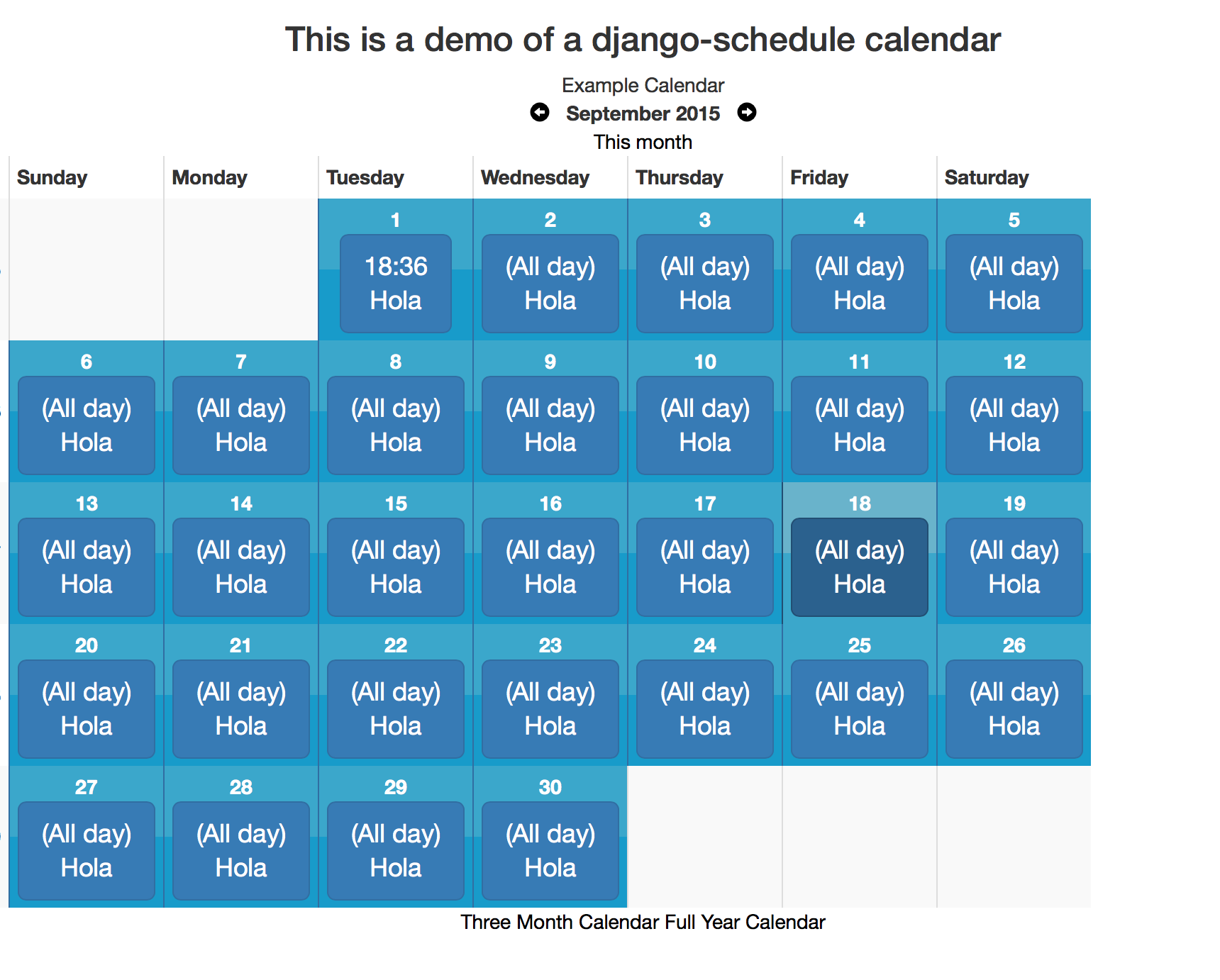
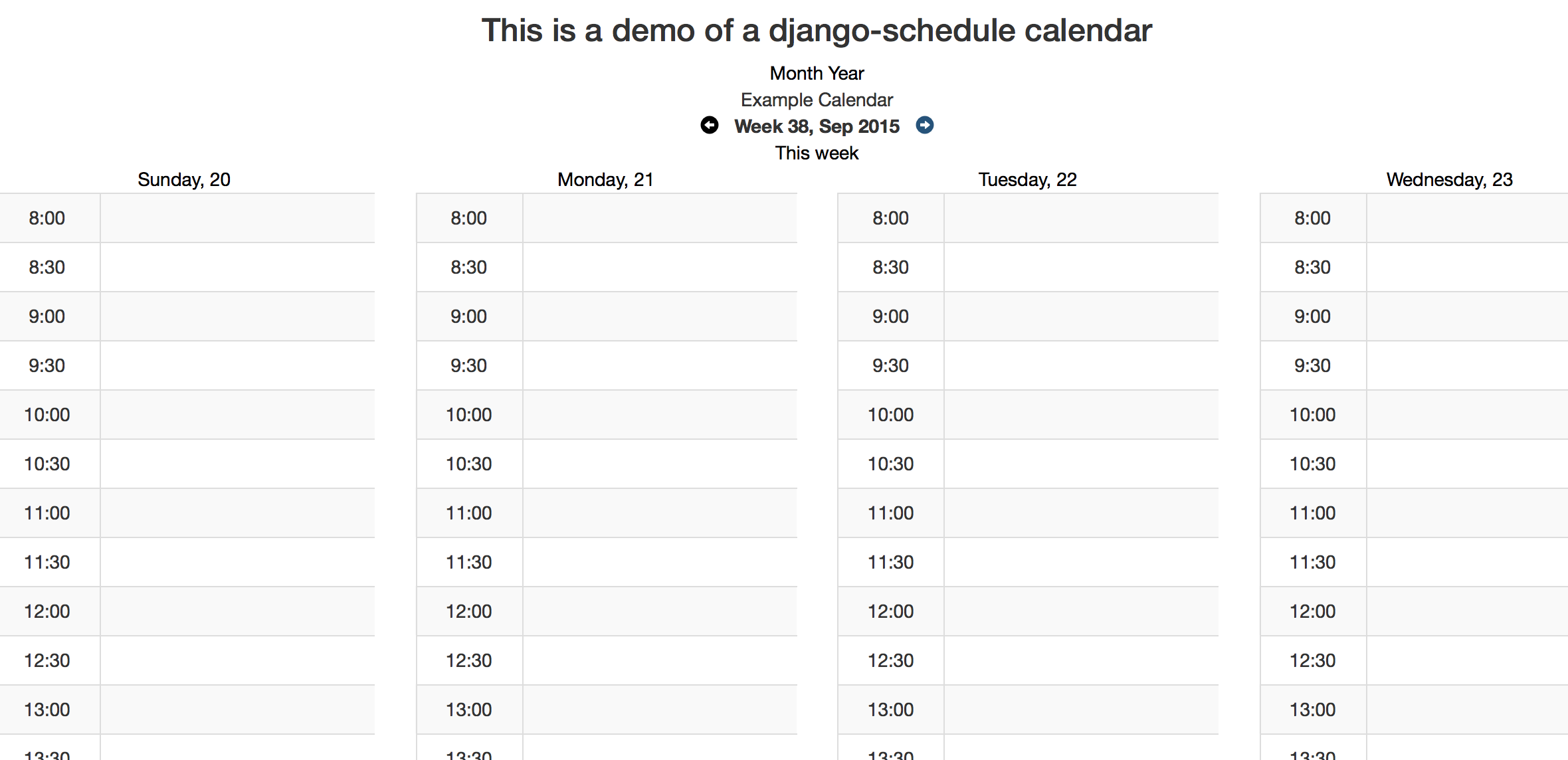
- view day, week, month, three months and year
Configuration
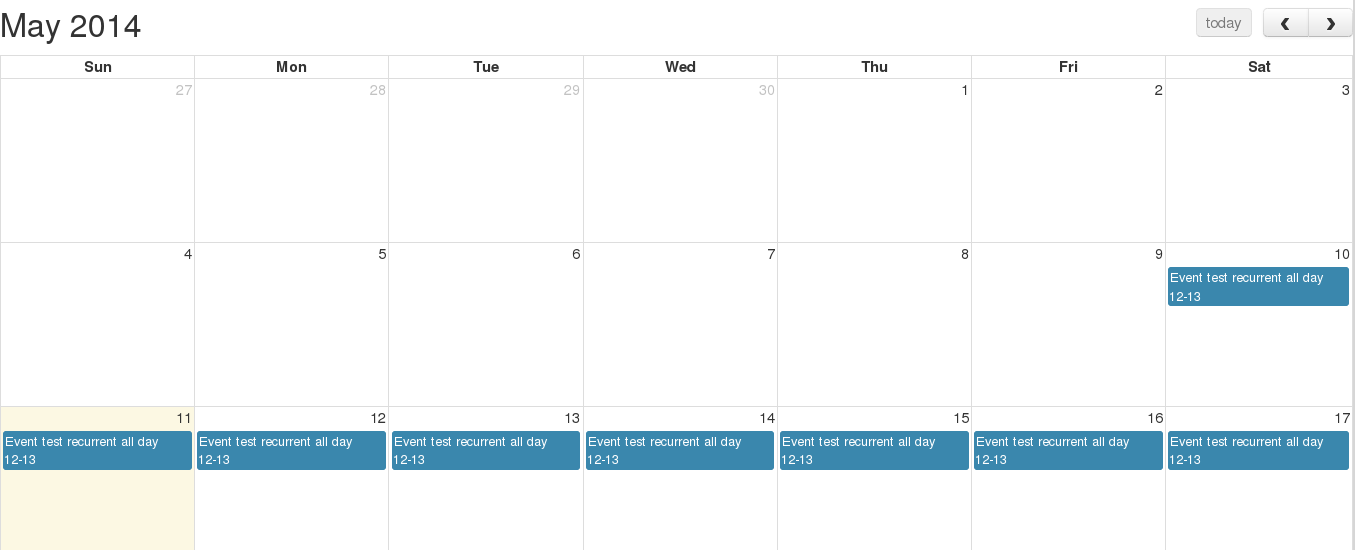
Full Calendar examples
Metrics

Optional Settings
FIRST_DAY_OF_WEEK
This setting determines which day of the week your calendar begins on if your locale doesn't already set it. Default is 0, which is Sunday.
OCCURRENCE_CANCEL_REDIRECT
This setting controls the behavior of Views.get_next_url. If set, all calendar modifications will redirect here (unless there is a next set in the request.)
SHOW_CANCELLED_OCCURRENCES
This setting controls the behavior of Period.classify_occurrence. If True, then occurrences that have been cancelled will be displayed with a css class of canceled, otherwise they won't appear at all.
Defaults to False
CHECK_EVENT_PERM_FUNC
This setting controls the callable used to determine if a user has permission to edit an event or occurrence. The callable must take the object (event) and the user and return a boolean.
Default:
    check_edit_permission(ob, user):
        return user.is_authenticated
If ob is None, then the function is checking for permission to add new events
CHECK_CALENDAR_PERM_FUNC
This setting controls the callable used to determine if a user has permission to add, update or delete an events in specific calendar. The callable must take the object (calendar) and the user and return a boolean.
Default:
    check_edit_permission(ob, user):
        return user.is_authenticated
GET_EVENTS_FUNC
This setting controls the callable that gets all events for calendar display. The callable must take the request and the calendar and return a QuerySet of events. Modifying this setting allows you to pull events from multiple calendars or to filter events based on permissions
Default:
    get_events(request, calendar):
        return calendar.event_set.all()
SCHEDULER_PREVNEXT_LIMIT_SECONDS
This settings allows to set the upper and lower limit in calendars navigation. Value is in seconds.
Default (two years): 62208000
Contributing
Tests
To run tests on all supported versions of Django and Python, use tox:
$ tox
Publishing to PyPI
-
Update the version in
pyproject.tomland add a changelog entry. -
Commit, tag, and push:
git commit -am "Release X.Y.Z"
git tag vX.Y.Z
git push && git push --tags
- Build and publish:
uv build
uv publish --token pypi-YOUR_TOKEN
You can generate an API token at https://pypi.org/manage/account/token/.